Tutorial 1 of 5
Your first little animation
Beginner 5 min
Draw a pose, duplicate it and bring it to life.
Start with a drawing
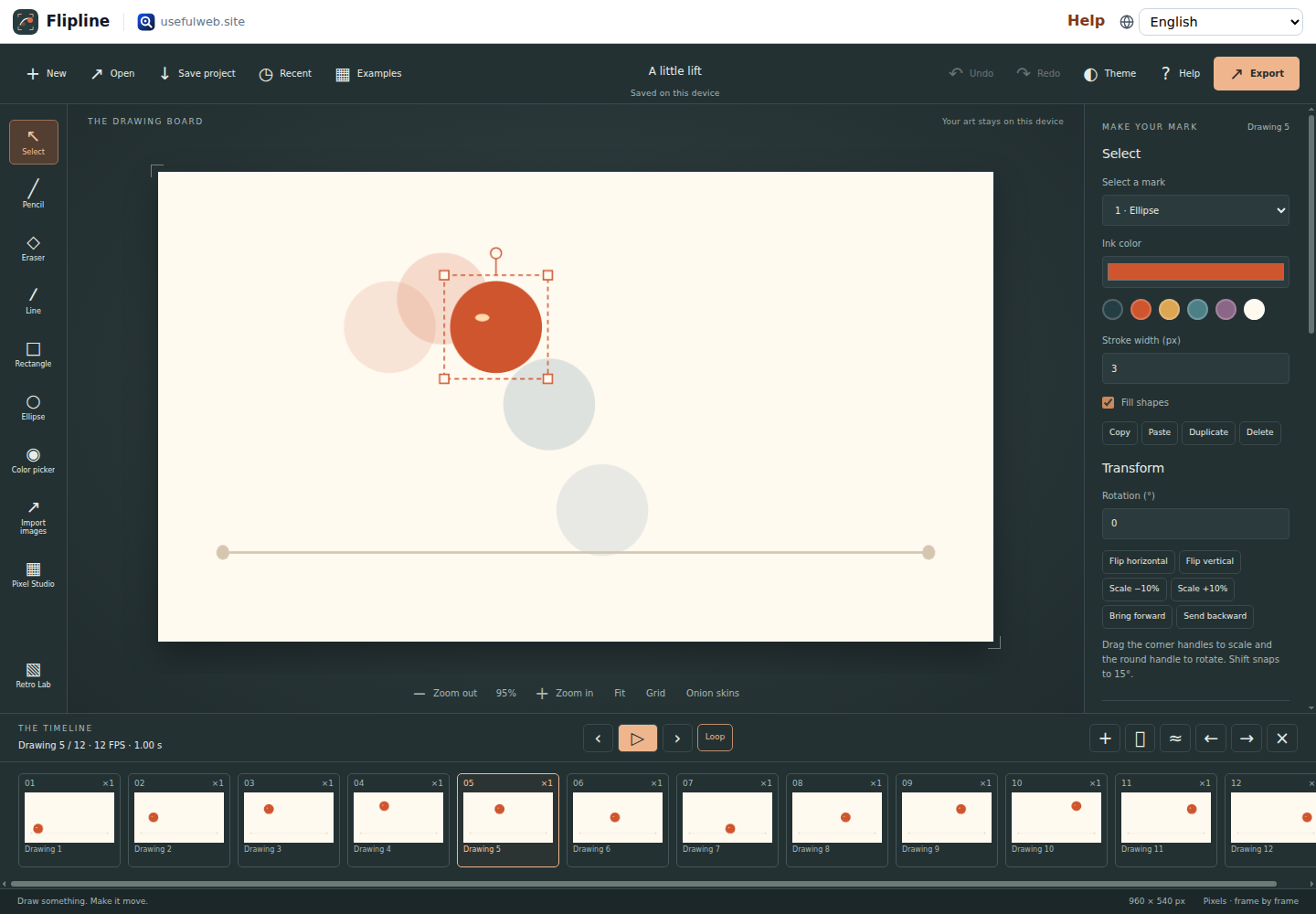
Choose New to make a blank flipbook or Examples to open a motion study. Pencil draws editable strokes; Eraser removes pixels from the active layer. Line, Rectangle and Ellipse add shapes. Fill shapes controls whether rectangles and ellipses have an opaque center.
Make the next pose
Duplicate drawing copies every layer into a new drawing. Add blank drawing creates empty cels on every layer. Use Select to pick a mark on the active layer and drag it. Arrow keys move the selected mark by one pixel, or ten with Shift. Hold Shift while drawing a line or rectangle for 45° lines and squares. Color picker (I) takes the ink color from the drawing.
Turn on Onion skins to compare the previous pose in red and the next in blue. Ghost opacity changes their strength. Hidden layers stay hidden in ghosts and exports.
Give it time
Press Space or Play. A hold of 2 keeps a drawing for two timeline ticks; at 12 FPS it lasts 167 ms. Change Hold and Frame rate in the properties panel. Loop repeats the sequence. Arrow keys without a selected mark switch drawings.
Keep the idea
Save project downloads an editable .flipline.json file. Open restores it. Autosave and Recent keep up to eight projects in this browser, but a downloaded file is the durable backup.